
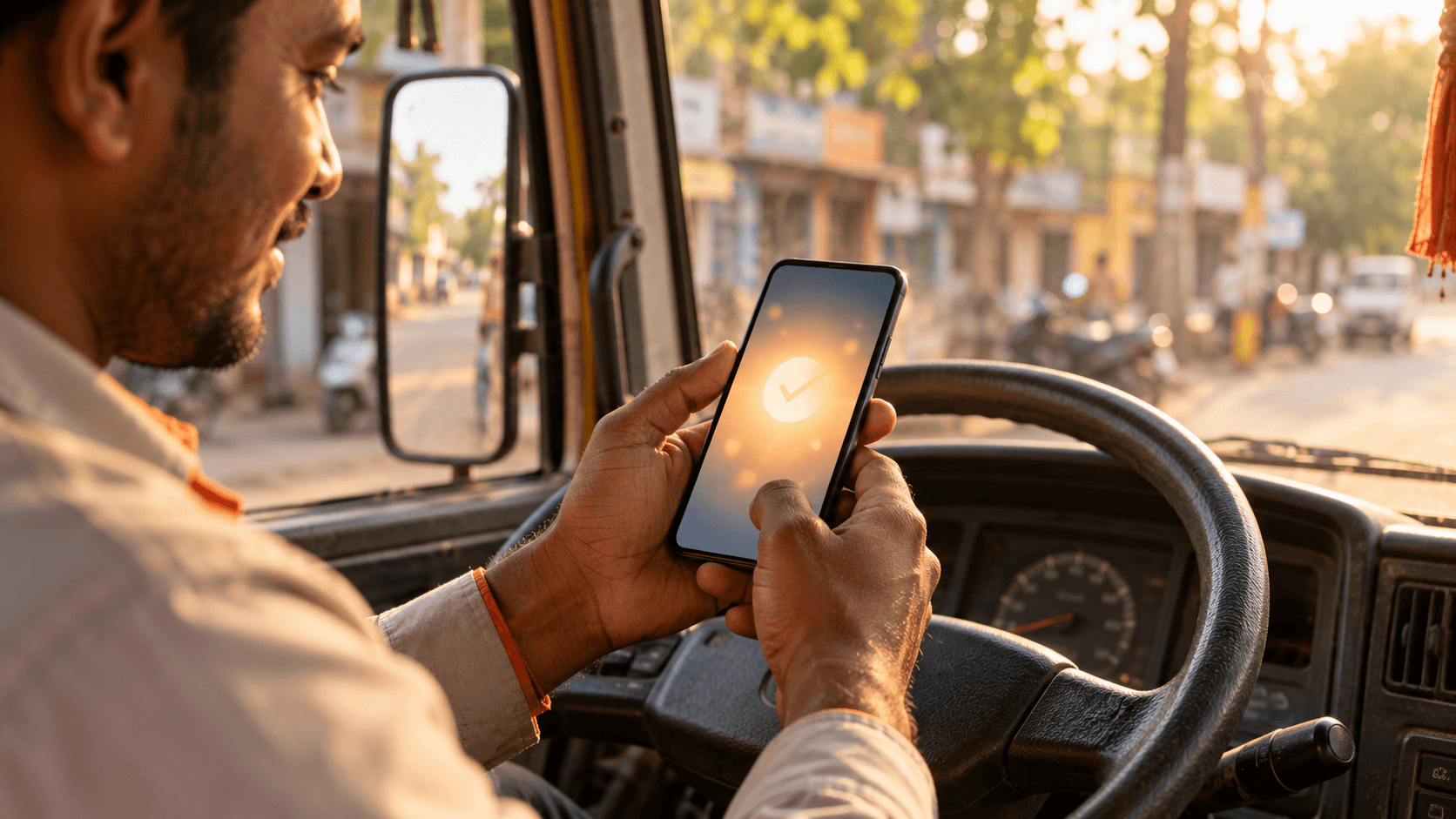
How Voder driver payouts work: your Earnings balance, explained plainly
Finish trips, watch your Earnings balance grow, and request a payout when you need it. How the Earnings screen works, what happens with dues on cash trips, and how helper shifts add to your earnings.
Basavaraj Kattimani
Driver Community Lead · 2 June 2026 · 5 min read
You finished eight trips today. The real question in every driver's mind is not the rating or the route. It is simple: where is my money, and when can I take it? With Voder the answer is on one screen: your Earnings balance. You decide when to request a payout, and this article explains how it works without small print.
From trip to bank, step by step
When a trip is completed, your share is added to your Earnings balance. The Earnings screen shows what you have earned, what you can withdraw, and any dues, with every credit and debit listed line by line. When you want your money, tap Withdraw to bank and request a payout. Requests are paid by bank transfer to your verified bank account in the daily payout window shown in the app, and once a payout is made, its bank reference (UTR) is recorded against it so you can match it with your bank message.
There is no weekly batching and no waiting for a Friday settlement. Why a payout window and not instant? Requests are processed by our team and paid by bank transfer, so they go out in a daily window rather than the second you tap. The app shows the window and any limits, such as a minimum amount or one request a day, so you know them before you ask. Those limits can change, and the app always shows the current ones.
You see the split before you accept
- The customer's fare.
- Voder's commission, shown in rupees and as a percentage.
- Your share of the trip.
- Any extras: waiting charge, floor charge share on moving jobs, night allowance.
There are no weekly targets to unlock your own money, no streaks, no minimum trip counts. Your share of every completed trip is yours, and it shows up as its own line on the Earnings screen.
Cash trips work a little differently. When a customer pays you in cash, you keep the cash, so Voder's commission for that trip is recorded as dues on your Earnings screen. Those dues are cleared from your next online earnings, and they always appear as their own line, never as a silent cut.
“I like that I decide when to take the money. I finish my trips, check the Earnings screen, and request a payout when I need it. The commission is on the trip card before I accept, so nothing surprises me later.”
Helper shifts: extra earnings on idle days
House-moving jobs need careful hands more than they need more vehicles. If your vehicle is idle, or in the garage, you can opt in as a moving helper in the app. You get short training on lifting, wrapping and stacking, and your pay for each shift is added to the same Earnings balance. As a working figure, helper shifts on Davanagere house moves have been adding Rs 600 to 900 for a day's work depending on the size of the job, and the amount is shown before you accept the shift.
Joining takes a driving licence, vehicle RC and insurance, and a bank account in your own name. Onboarding in Davanagere happens in person at our office, not through a call centre. Details are on the partners page. Come by, have a coffee, and ask the drivers waiting there what they think of us first.
Move smarter. Move with Voder.
One account for deliveries, rentals, and moving. No setup fee, no contracts.